Does it need the internet?
For conversation, yes. Without it, Haven keeps running its safety rules and automations on the server in the house, still stops a leak, and still understands simple commands like “goodnight”.
What devices does it work with?
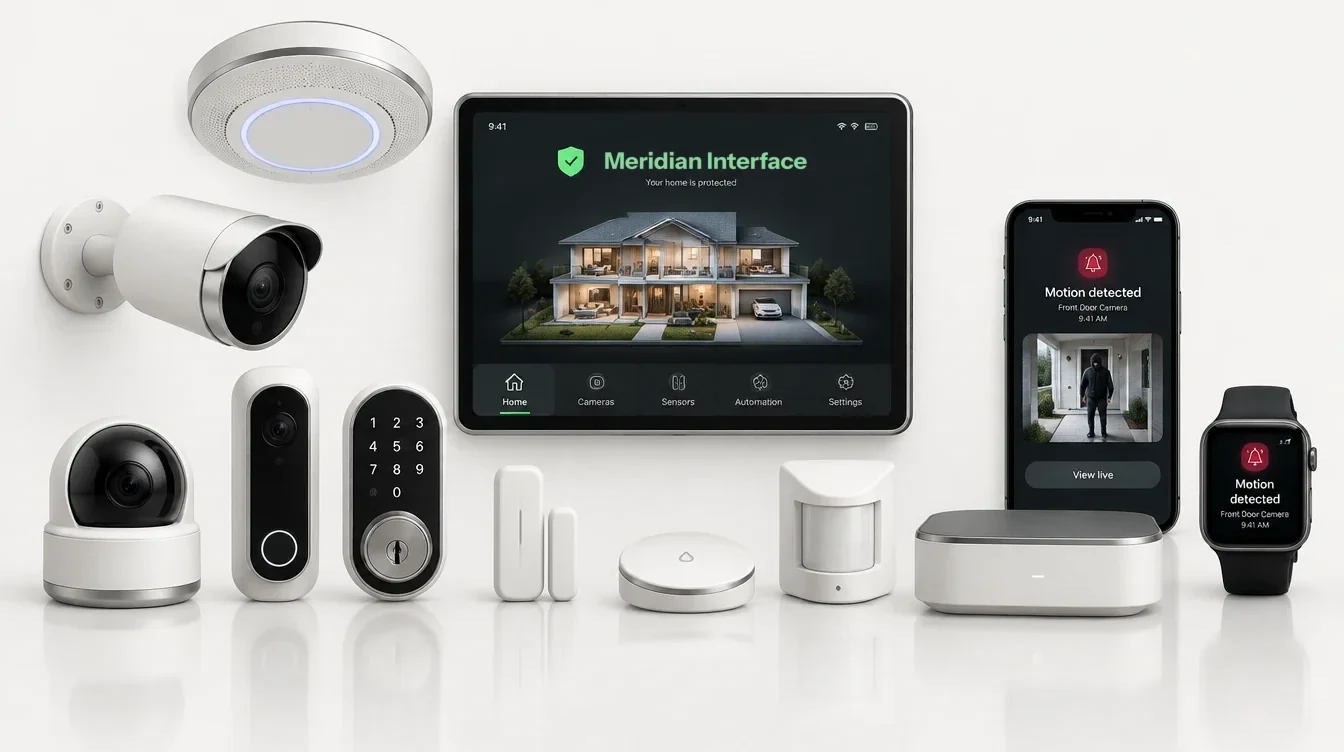
Haven connects through a Home Assistant hub, so it works with the lights, locks, thermostats, garage doors, water valves and sensors that Home Assistant supports.
What does it learn about us, and can we delete it?
Comfort preferences by time of day, likes and dislikes, and routines you’ve accepted. Habits it notices only become suggestions; nothing it learns runs until someone says yes. All of it is listed on the panel under About you, and you can forget one item or everything.
What leaves the house?
Conversations go to the AI service that powers Haven’s understanding. If you choose the premium voice, the sentences Haven speaks go to the voice service. Weather requests send only the home’s location. Nothing else leaves.
Can we change a room’s screen later?
Yes. Every panel picks its own screen, and the family can change it at any time from the panel itself.
Is the panel on this page the real software?
Yes. It is the same panel software a home runs, working on a simulated house inside your browser. Nothing you press reaches a real device, and its weather, camera pictures and electricity use are samples, marked as such.
Does it work with an iPhone and an Apple Watch?
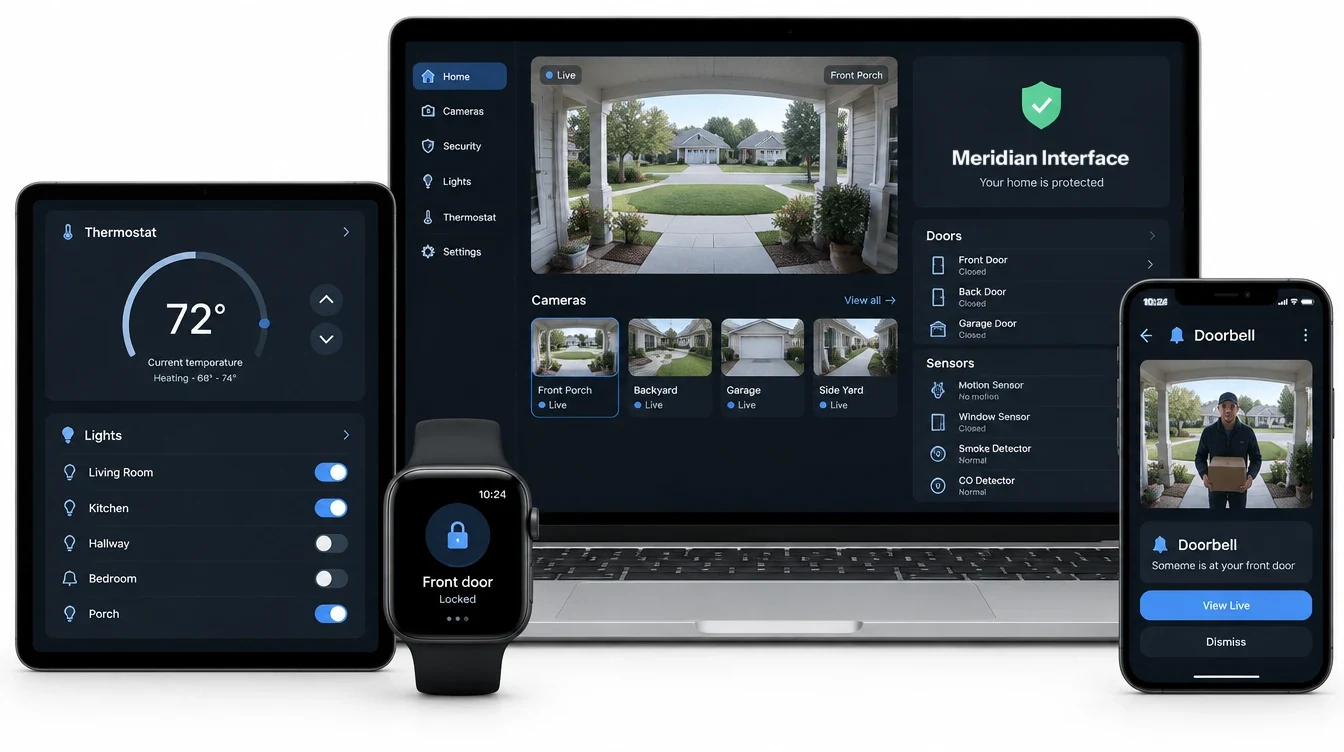
Yes. Talk to Haven, run scenes and hear its briefings through Siri on an iPhone, an Apple Watch or in the car. A ring at the door sends its picture to your phone and watch.
Is it accessible?
The panels are tested against WCAG 2.2 AA on every build, and the state of a door or a sensor is always said in words, never by color alone. See the accessibility statement.